< // HOME
DEV_LOG::OMG SHUT UP!!
Unity / C# Physical Interaction

OMG Shut up!!

Sing a lullaby. Rock the cradle. Prepare to scream.

MY ROLE Main Programmer & Designer
TEAM 5 people
DURATION Sep 2026 · 2 weeks
CONTEXT Adaptive Control

OVERVIEW

OMG Shut up!! is a physical music game in which players sing at the requested pitch while rocking a real cradle to the beat. Built around the theme “Put Baby to Sleep,” it combines voice and physical input into the increasingly demanding task of soothing a baby.

An opening storyboard introduces the baby’s demon form and how to respond. Transformations occur at scripted moments, giving screaming a place in the game’s absurd comedy. The experience exaggerates the stress and chaos of putting a baby to sleep.

PLAYTEST VIDEO

PHYSICAL INTERACTION

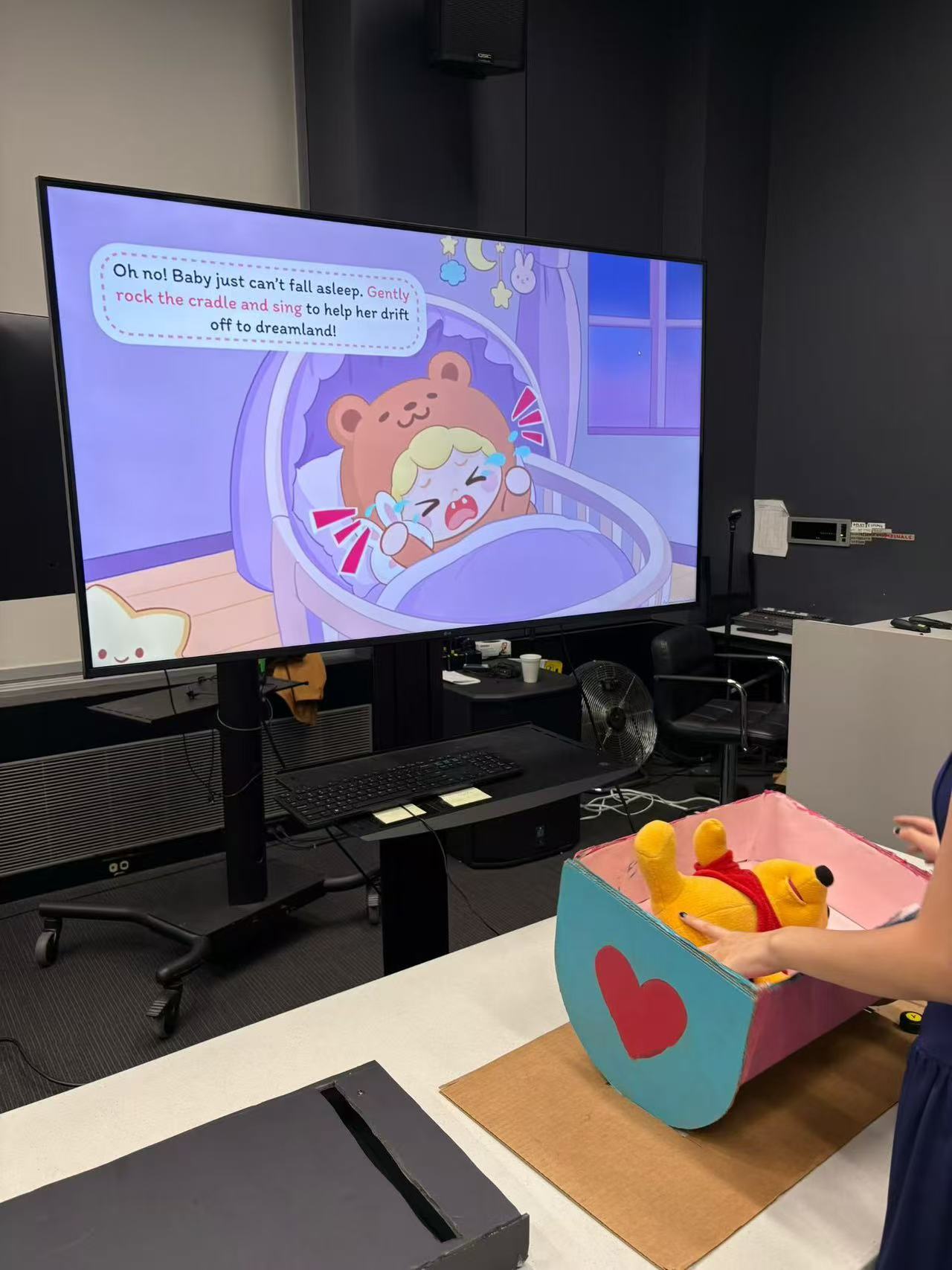
A button beneath the physical cradle connects to the game through an Xbox Adaptive Controller. Rocking the cradle presses the button, triggering the virtual cradle’s movement and a beat judgement. This direct response connects the player’s real action to the game world.

The microphone handles pitch while the cradle handles rhythm. Players eventually coordinate their voice and hands, keeping both tasks going together.

Player using the handmade physical cradle
The physical cradle used to control the game.

PLAYTEST-DRIVEN PROGRESSION

During the mid-project playtest, some players focused so much on singing that they neglected the cradle. We reduced the pitch requirement from a full Do-to-high-Do range to three bands, and separated the two inputs before asking players to combine them.

Rock to the beat

Only drum beats: learn when to rock the cradle and connect each physical movement to the target rhythm.

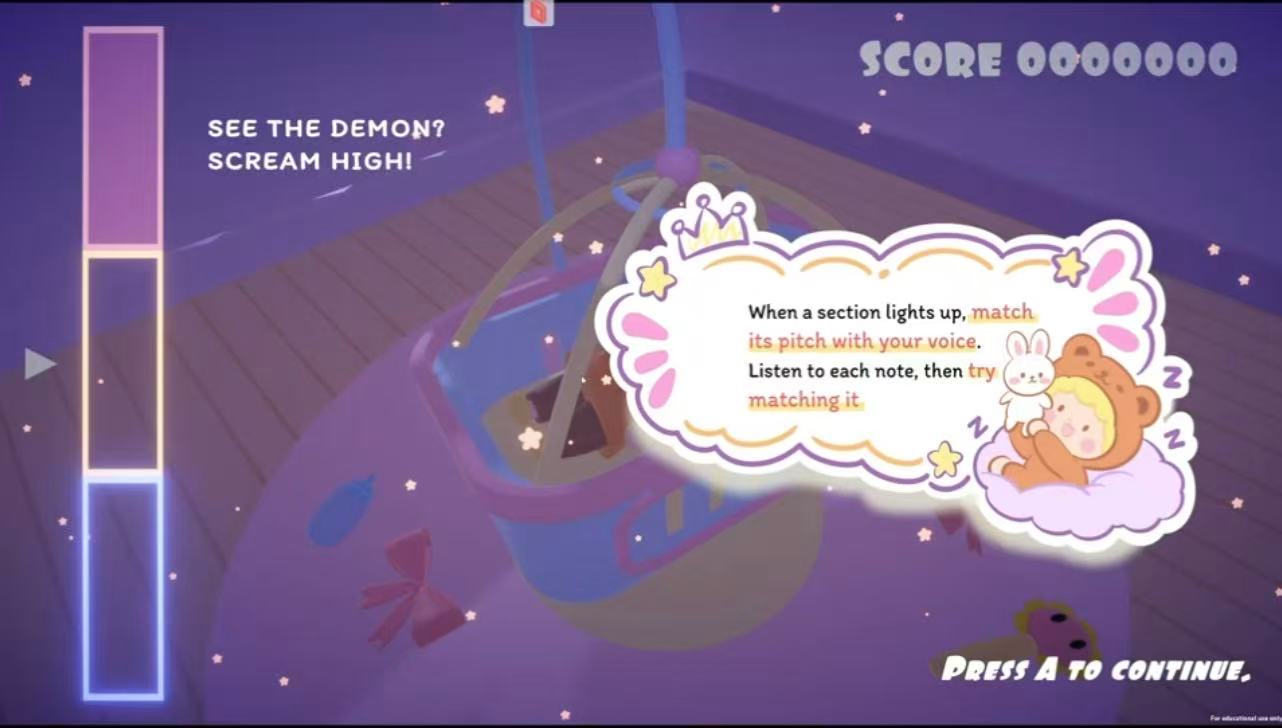
Each level begins with a tutorial introducing its reference pitches or rocking timing before the main challenge. The progression builds difficulty by combining familiar actions.

Tutorial introducing the three pitch bands
Pitch tutorial before the main challenge.

UI ITERATION

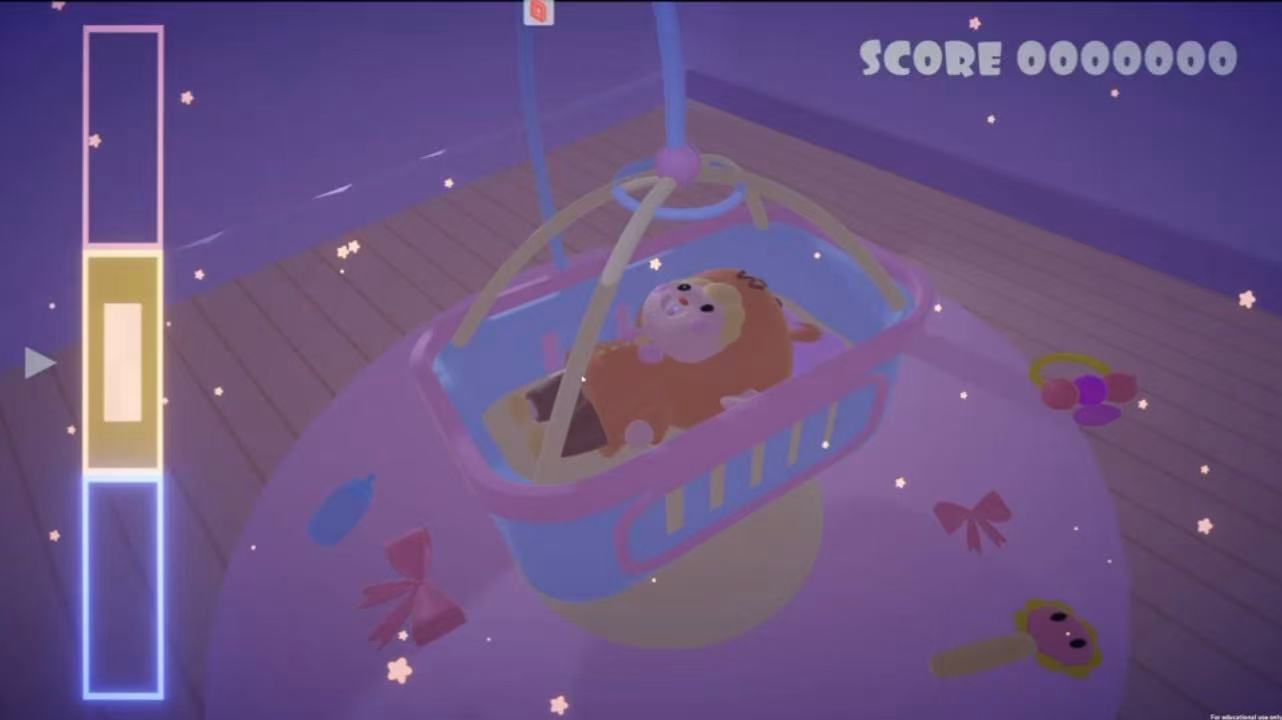
The initial interface used a continuous pitch track inspired by Trombone Champ. Once the singing requirement became three pitch bands, I redesigned it as three compact blocks on the left, freeing up space for the baby and cradle.

Early continuous pitch track over the game scene
Before: a continuous pitch track spread across the scene.
Final compact three-band pitch UI on the left
After: three pitch bands in one compact interface.

The background color marks the target pitch band, while an expanding block cues the beat. A small arrow follows the player’s current pitch and highlights when it matches. Pitch, timing and current input can be read in the same area.

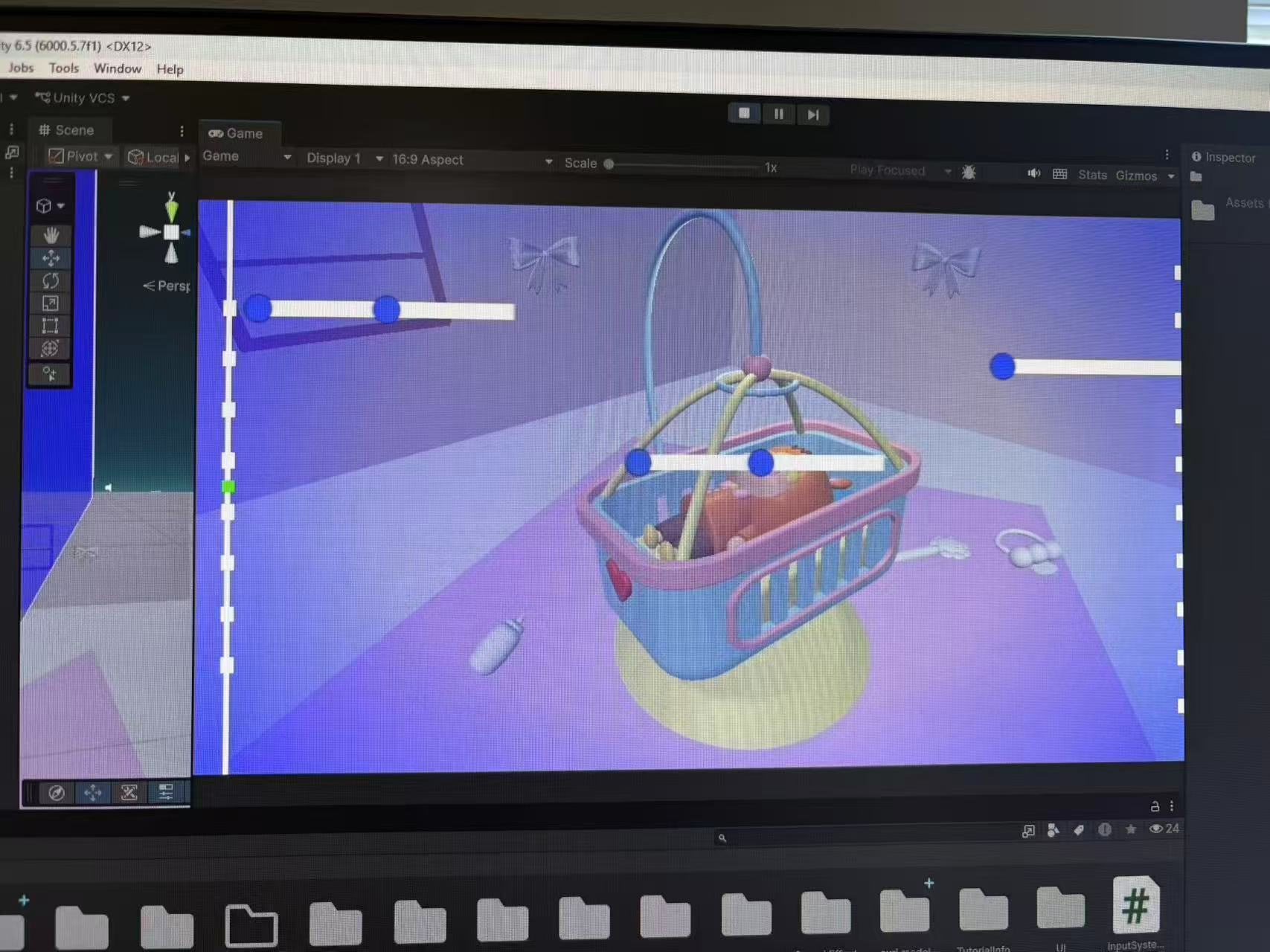
View the early pitch-input prototype
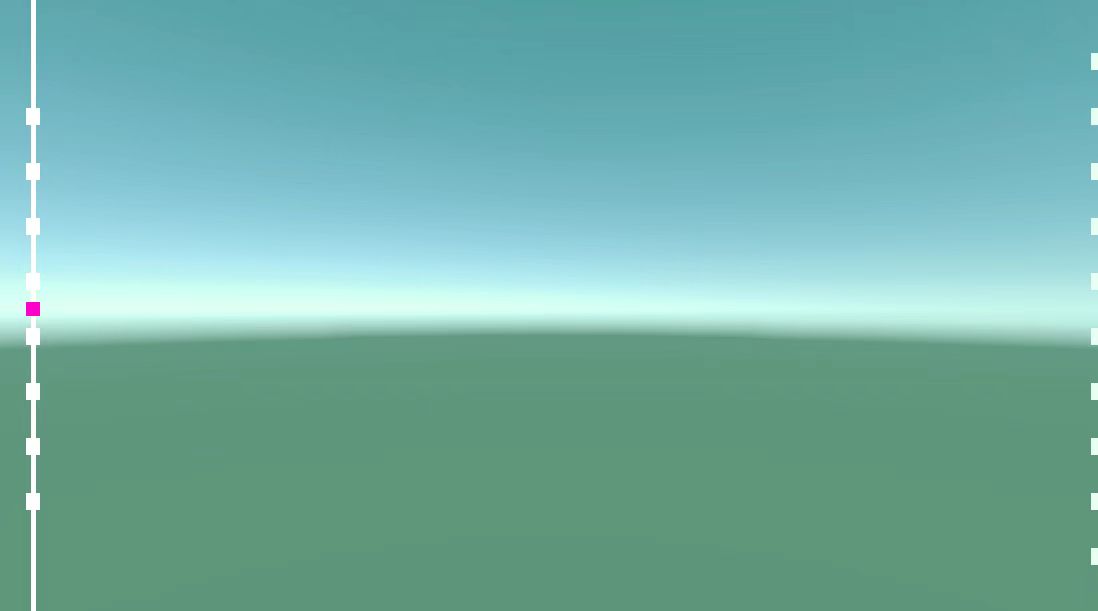
Early pitch-input indicator prototype
An early interface prototype before scene integration.

FEEDBACK IN THE GAME WORLD

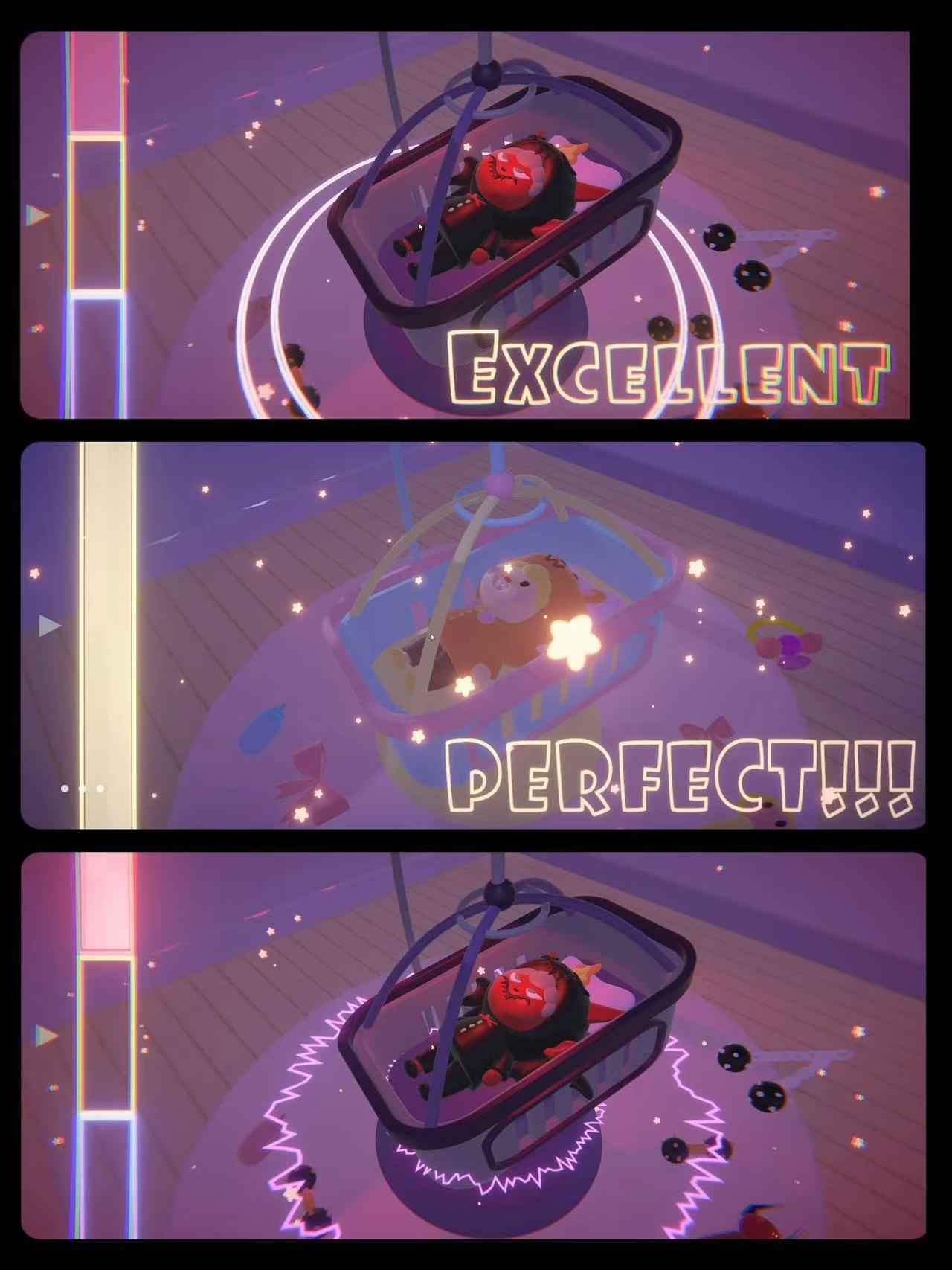
To avoid keeping the player’s attention entirely on the left-side UI, I placed beat feedback beneath the virtual cradle. Every rocking input produces a ripple: a smooth circle for correct timing, and a jagged, noise-like ring for incorrect timing. Its location connects the judgement to the action.

Stars change color with the corresponding pitch and flash to the rhythm. Together with the cradle’s movement and ripple shapes, they bring musical feedback into the main scene.

MY CONTRIBUTION

As the main programmer and a designer on the five-person team, I built the project architecture and core gameplay, integrated the cradle input, and designed and implemented the pitch and rhythm UI. I also implemented scene feedback and the audiovisual transitions between normal and demon states, and revised and integrated other interface elements.

I also helped split tasks, follow up on progress and integrate the team’s work during the two-week development cycle. Ideas and iteration directions were discussed as a team; the UI information structure and its main implementation were my responsibility.

LIVE PLAY

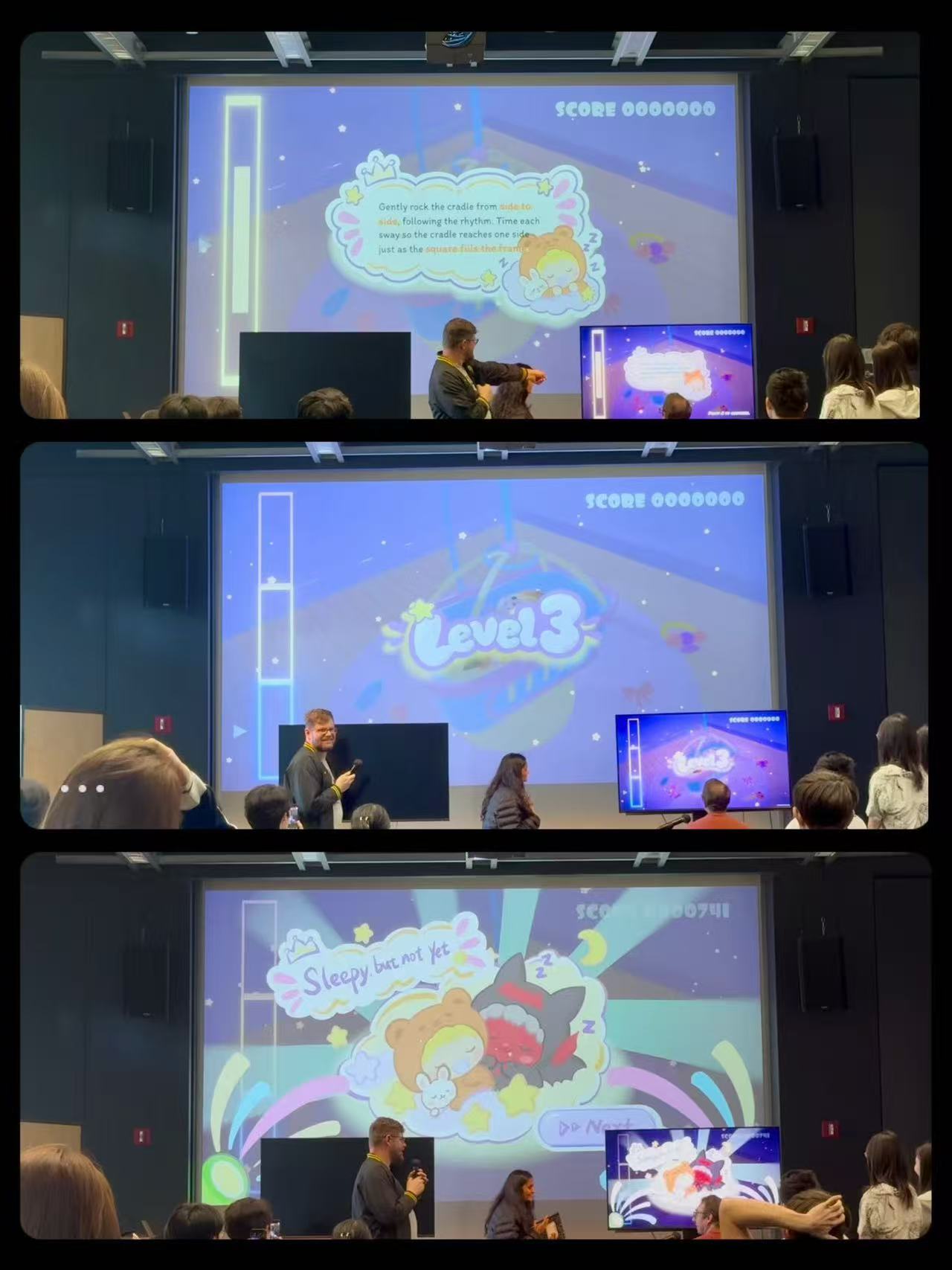
Players trying the game during a live presentation
Live presentation and play session.