Understand the task
The call and calendar establish the deadline. Start writing before handling interruptions.
Three minutes to finish your homework, with a micro-apartment full of interruptions.
Last Minute Hero is a three-minute VR homework game for Meta Quest 3. At a desk in a micro-apartment, players work on their assignment while dealing with blackouts, bugs on the page and broken pencils. The final phone provides guidance; blackouts and bugs on the paper block writing.
The Micro Apartment setting met a Naive Player brief: make the experience understandable to someone who has never played VR, while building interest across a short session. The brief also prohibited any instructions or tutorials.
Writing, interruptions and physical interaction in one three-minute experience.
We built the experience around familiar actions: writing, switching on a light and swatting a bug. The aim was for players to understand the objects through everyday experience. Writing establishes the ongoing task, while interruptions ask them to turn their attention elsewhere and then return to the page. When a pencil breaks, players need to replace it to continue writing.
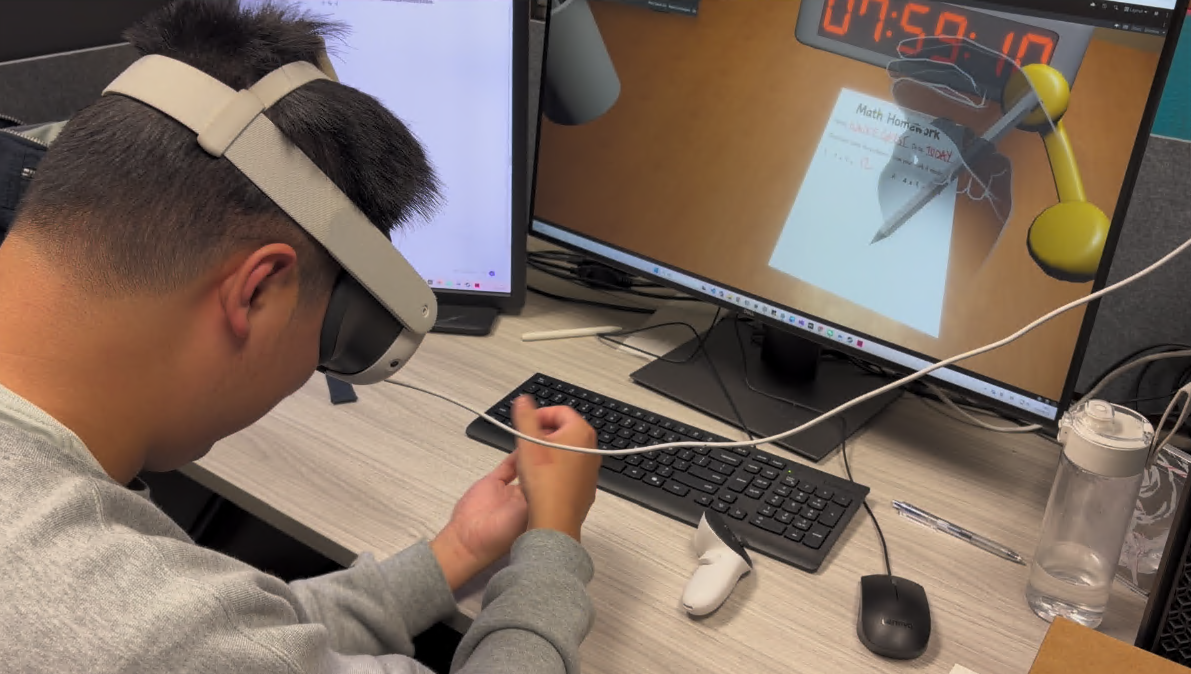
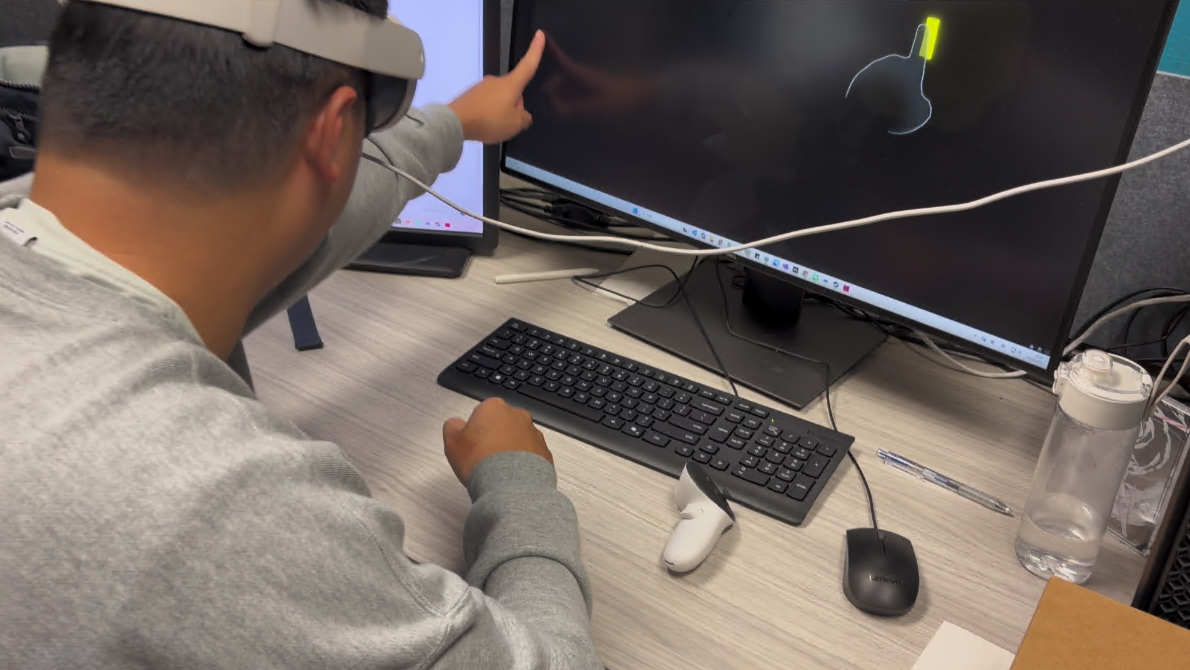
The opening phone call explains that homework is due at midnight, reinforced by a calendar on the wall. We leave time to learn writing before the first blackout. Later, interruptions overlap, asking players to manage more at once as they become familiar with the actions.
The call and calendar establish the deadline. Start writing before handling interruptions.
Thirty seconds from the start, including the opening call: find the switch and restore the light.
Switch between writing, restoring lights, swatting bugs and replacing pencils.
Our first phone design occupied one hand without directly blocking writing. Midpoint feedback exposed a mismatch: some players reached for the phone expecting help, while others ignored it because homework felt more important.
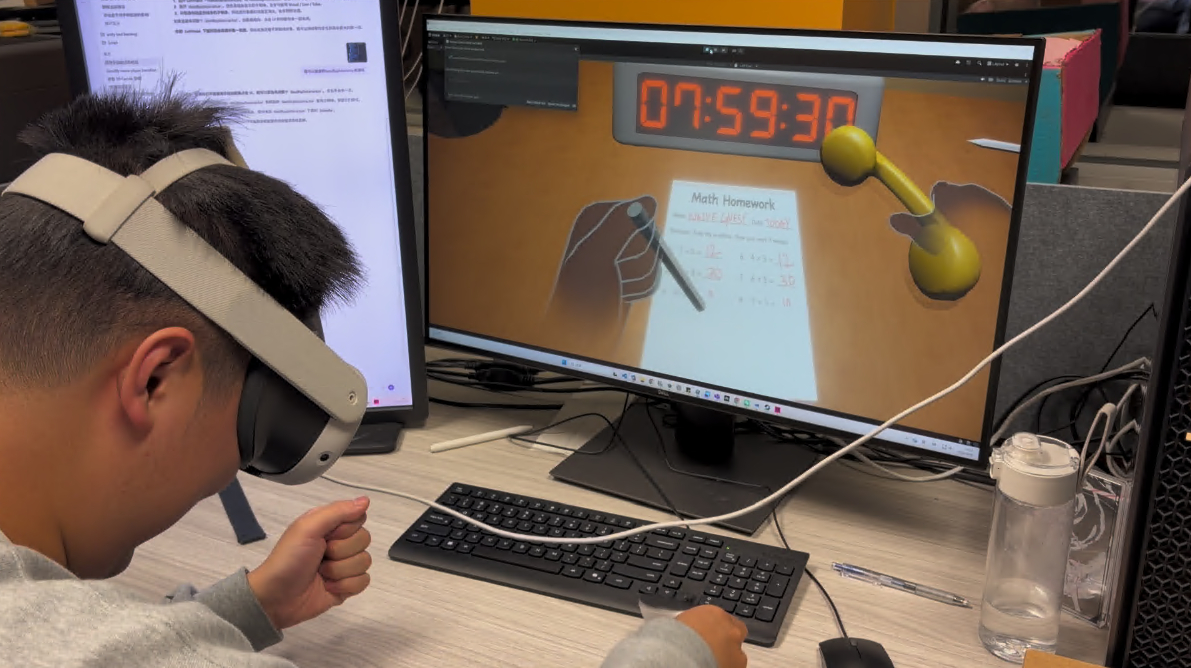
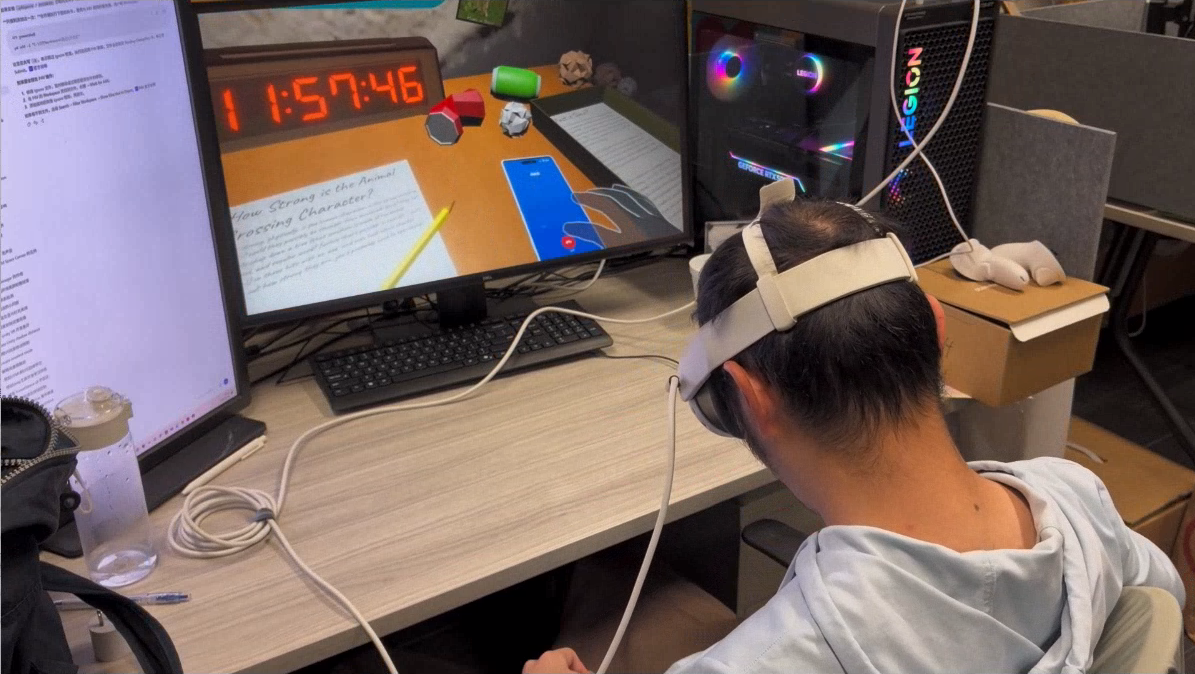
We changed the phone into a source of guidance and removed the controller used for its earlier interaction. Bugs and pencil breakage took over part of its interruption role, tying disruptions directly to the page and the writing tool.
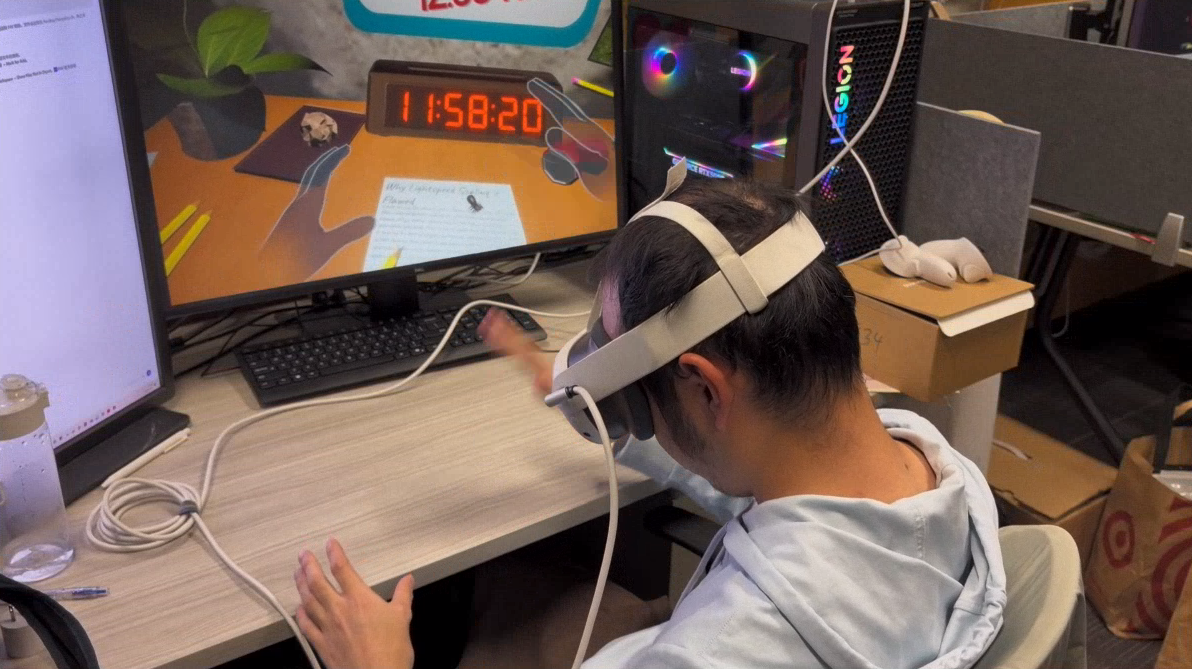
I implemented the interruption events and their configurable schedule. Event types, timing and interaction parameters can be adjusted without rewriting the overall flow, supporting pacing changes during iteration.
I built the project architecture and connected interruptions to the writing system. I also implemented table-height calibration to align the virtual desk with the physical tabletop.